
Uses
What hard- & software I use.
Last updated on .Using software
First things first, I try to use software out of conviction, not out of convenience, meaning I usually accept a worse user experience for better privacy, better accessibility or tools by companies, whose values I support.
That doesn't always work because sometimes you can't get around using a particular tool, app or piece of software. Even worse, a software company that used to represent values that I agree with oftentimes turns into evil big tech over time.
Using well-intended software is a commitment because the software that we use tells a little story about the users that we are. By the way, I also appreciate using software built in Europe.
Phone
I use an iPhone 12 with iOS 18. It's old, has too little space (64GB) and the battery life is awful. But I'm stuck with it for the moment—until I can replace it with an iPhone SE with 128GB in the near future (and have a home button again!)
Or you know, maybe I'll leave iOS behind me. Only time will tell.
Homescreen
My current home screen during my 30-day Digital Declutter.
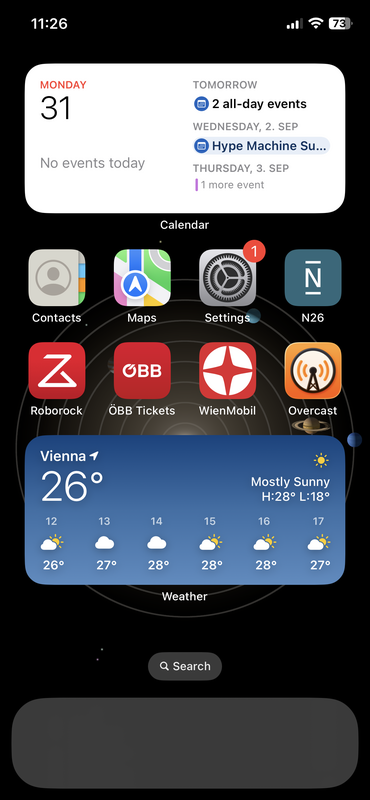
My strongly restricted homescreen as of August 2026. Background: solar system (live!)
During this time, all that's left of my smartphone is a device to do banking, vacuum clean and ride public transportation in Vienna. Yes, I still have my podcast app whenever I feel insomniac.
Apps
In total, I have 30-35 apps installed on my phone. Here's the essentials of what I use.
messaging
Signal
browser
Firefox
mail
Fastmail
notes
Bear
calendar
Apple Calendar
contacts
Apple Contacts
search engine
Kagi
feed reader
NetNewsWire (with Feedbin Sync)
banking
N26/Wise
music
Spotify
podcasts
Overcast
maps
Apple Maps
weather
Apple Weather
Desktop
I use a Surface Laptop 4 with Ubuntu 24.04.
Desktop
My current desktop, with all the applications I use regularly in the dock. I don't use desktop shortcuts, to get a good view of my background image (which is currently the "Face holding back tears" emoji.).
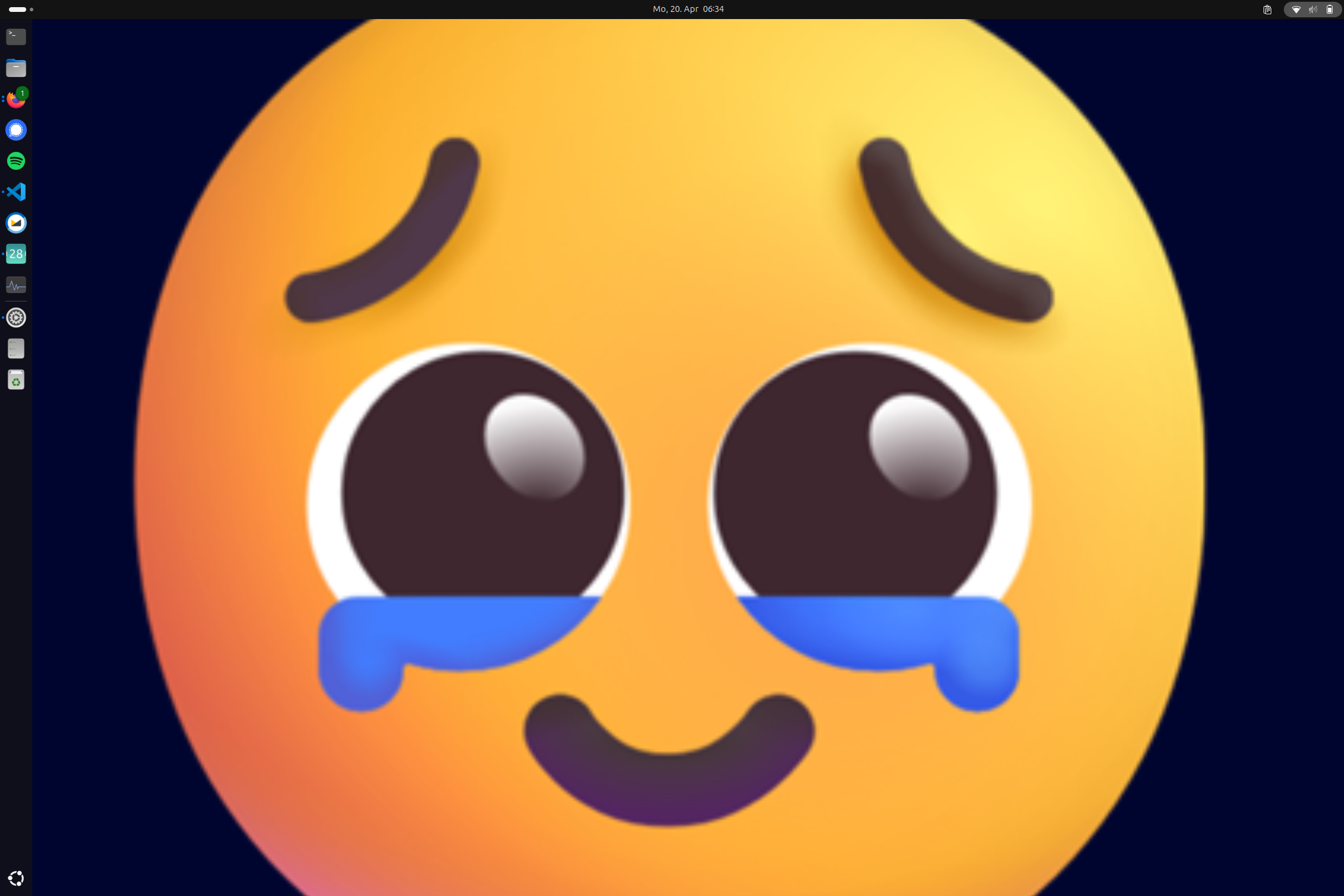
My desktop as of April 2026. Background image: Face holding back tears.
Software
This is the software I use on desktop.
ide
VS Code
ui design
Figma
vpn
VPN Unlimited
clipboard
GPaste
mail
Fastmail
calendar
GNOME Calendar
contacts
GNOME Contacts
terminal
GNOME Console
search engine
Kagi
maps
Apple Maps (via DuckDuckGo)
social media
Mastodon (fosstodon.org)